

AI character review / creative AI
Nova
Novaexposes the quality control of AI character clips. Visitors compare five real demo takes, mark audio or video fragments, assess twelve criteria and save their review exclusively locally.
The case in 30 seconds
Nova
- Problem
- Novaexposes the quality control of AI character clips. Visitors compare five real demo takes, mark audio or video fragments, assess twelve criteria and save their review exclusively locally.
- Solution
- Working review environment in which five real demo clips, fragment selection, labels, twelve criteria and a local results overview form one verifiable quality route.
- Role and focus
- Media review, lip-sync, interaction
- Status
- Live review lab · local storage
- Result
- Clip comparison, scorecard, review record
Live lab / try it yourself
From take to substantiated choice
Play five realNovademo clips, select precise video or audio fragments and judge for yourself lip-sync, eye contact, emotion, image quality, atmosphere, setting and target group.
Real media / small review
Inspect one take before deciding
Choose a demo clip and see for yourself how voice, mouth shape, eye contact and expression come together. This compact player stores nothing and makes no judgments; the full review tool includes the scorecard and results overview.
Can you repeat that?Human rates · browser plays
Core
Review makes the AI pipeline auditable
Novadid not start with the question of how to generate another clip, but how to carefully compare five short character takes. The case therefore makes the review layer visible: playing images and audio, navigating at frame level, marking a fragment, scoring twelve criteria and recording why a take is chosen, repeated or rejected. The value is not in a separate tool demo, but in a repeatable and explainable review process.
HTML5 media
Waveform preprocessing
Fragment selection
Review interaction
LocalStorage state
Responsive product UX
Human in the loop
Pipeline map
Four checkpoints
I make visible where creative choices are made, so that AI output does not remain accidental but can be assessed as a creative process.
Script & voice direction
Capturing text, tone, pace and character intent before creating images or motion.
Character look
Monitor style choices, facial features, and visual consistency across multiple outputs.
Face & motion pass
Coordinate voice, mouth movement and expression so that the test works as a scene.
Assembly & review
Reduce output to usable tests with clear choices for repetition or improvement.
Voice & text
Translate scripts, voice direction and character tone into usable animation input.
Image style
Keep stills and character images consistent across multiple steps.
Face control
Using audio-to-face and expression as a bridge between voice and image.
Clips & Validation
Focused on short clips, stills and process notes that make the pipeline testable.
Review environment
Review goes beyond playback
TheNovainterface brings together the review steps that support the workflow: compare takes, review, label and review timing.

Takes side by side
Multiple clips are given a recognizable place so that a review does not become dependent on individual exports.
Rating & labels
Rating and context labels make visible why a take is repeated, adapted or chosen.
Waveform & timing
Audio, timing and expression can be viewed side by side in the same review step.
Working evidence / clear boundary
WhatNovaactually performs
The review environment is a working front-end product around existing demo media. It does not present a live generation model and does not send visitor reviews to an external backend.
Five controllable clips
Five vertical 1080×1920 demo clips combine H.264 video with AAC audio and run at 25 or 30 frames per second.
Waveform and fragment selection
Preprocessed waveform JSON, time code, zoomable tracks and a selectable range make timing and mouth shape open for discussion.
Twelve criteria plus context
Lip sync, eye contact, emotion, image quality and eight detail criteria are supplemented with decision, atmosphere, context, target group and note.
Only on this device
Scores and notes remain in the visitor's localStorage. The demo does not claim an account, central review database or production generation.
Next cases
AI to interfaces
This line connects to systems thinking, front end and visual reconstruction.
 Digital twin / luxury experience
AURELIA 67
A private digital twin that connects form, materials and ownership experience.
Digital twin / luxury experience
AURELIA 67
A private digital twin that connects form, materials and ownership experience.
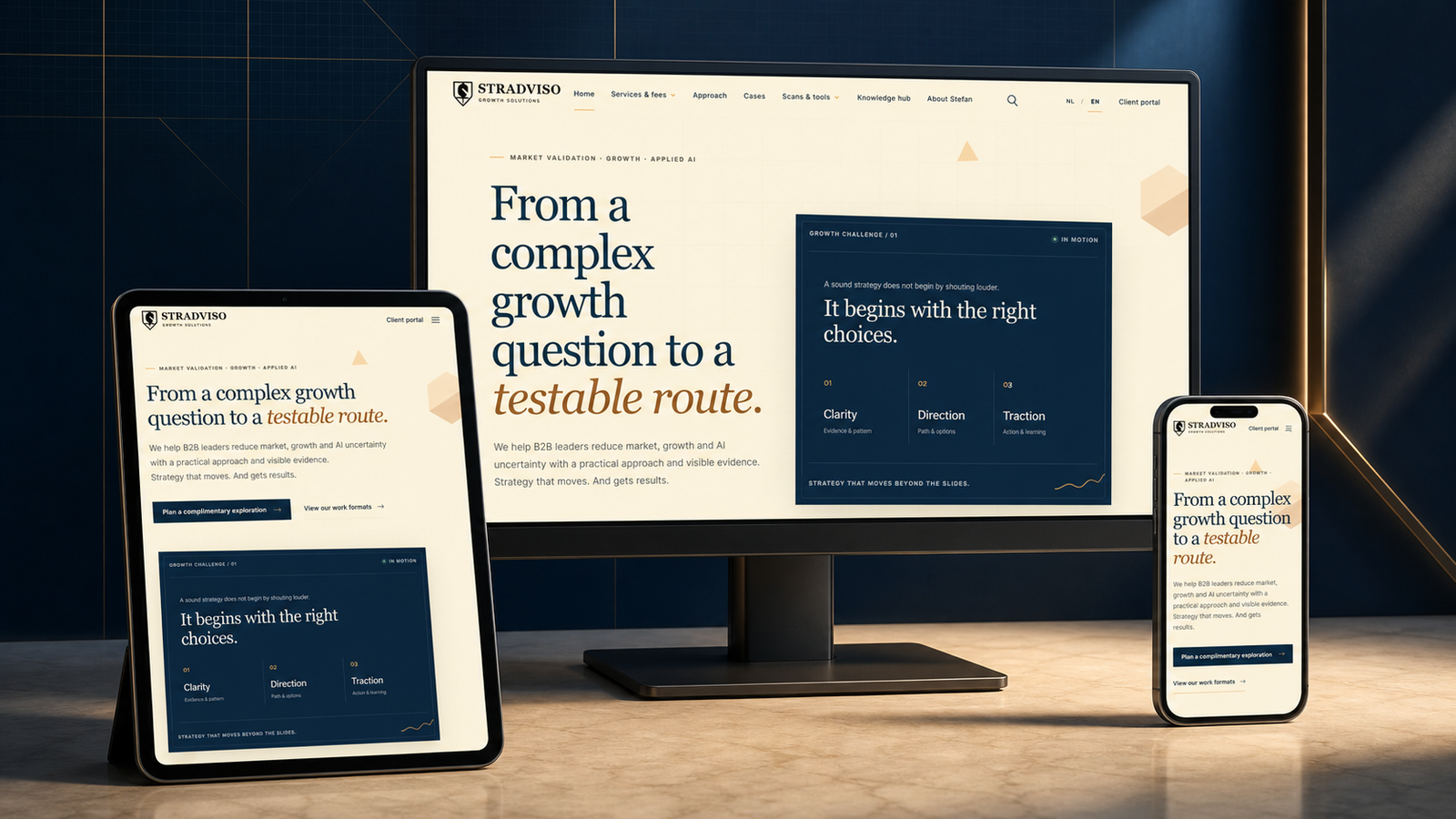 AI product/decision support
Stradviso Decision Studio
Controlled AI decision system that converts customer questions into traceable options, human approval and audit trail.
AI product/decision support
Stradviso Decision Studio
Controlled AI decision system that converts customer questions into traceable options, human approval and audit trail.
 Thailand / property intelligence
DOMORA
An internationally applicable, multilingual real estate toolset that is the first validation market in Thailand to connect listings, local housing requirements, map search, matching, seller intake and social content.
Thailand / property intelligence
DOMORA
An internationally applicable, multilingual real estate toolset that is the first validation market in Thailand to connect listings, local housing requirements, map search, matching, seller intake and social content.
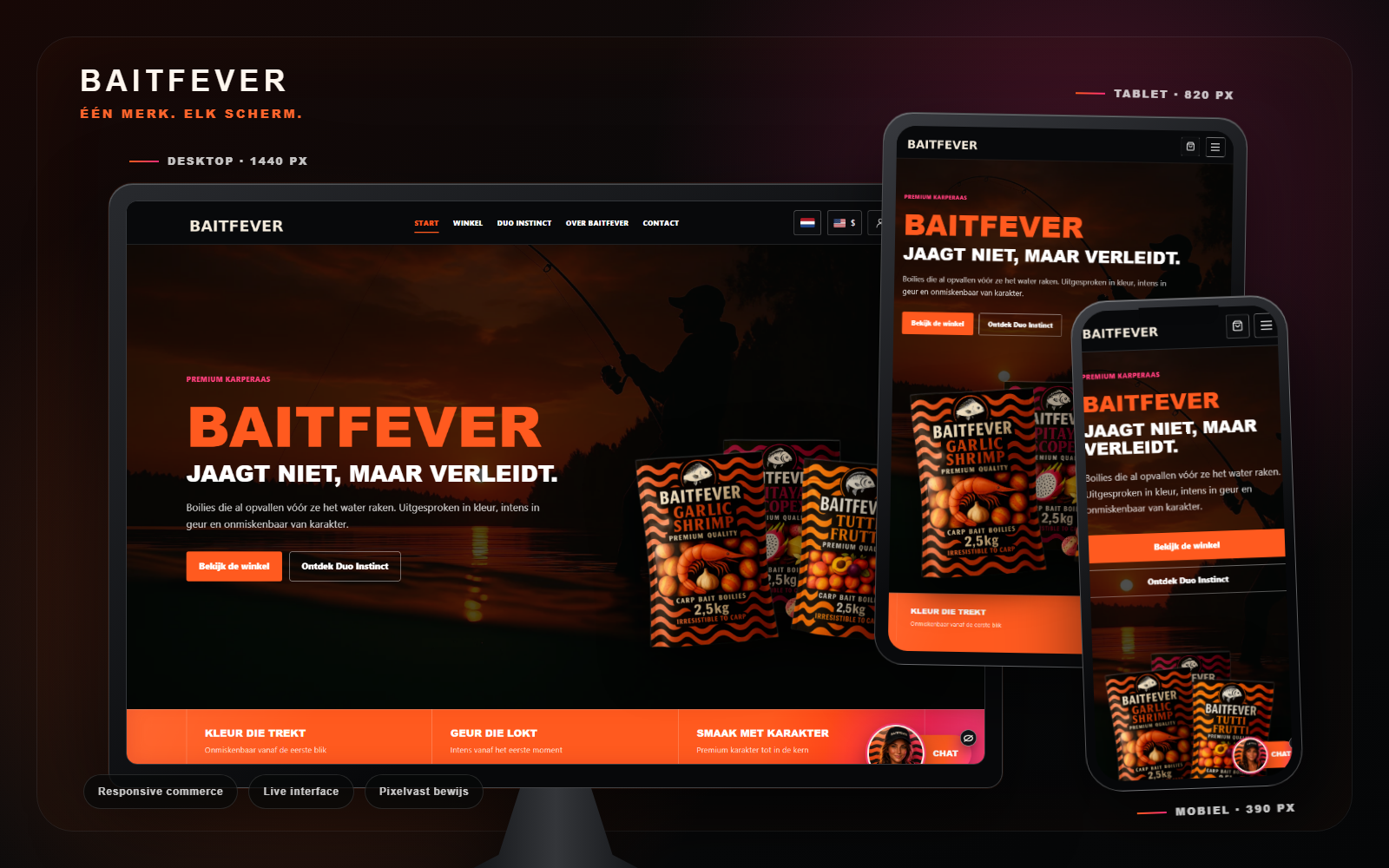 Conceptcase / merk & product
BaitFever
Prelaunch brand and commerce experience for anglers; product lines, storytelling and the commercial market route are further expanded in a controlled manner.
Conceptcase / merk & product
BaitFever
Prelaunch brand and commerce experience for anglers; product lines, storytelling and the commercial market route are further expanded in a controlled manner.